Owen Bradley
 Every few years a new memory standard arrives and the same question follows it: do I actually need to upgrade, or is my current setup fine? The move from DDR4 to DDR5 is exactly that kind of moment. The newer standard promises higher speeds and more bandwidth, but it also brings a new platform requirement, a price premium and a set of real-world results that are more nuanced than the headline numbers suggest. Spending money on the latest memory only makes sense if it improves the things you care about, whether that is frame rates, faster exports or a build that stays relevant longer. This guide compares the two standards honestly so you can decide when the upgrade is worth paying for and when your money belongs elsewhere.
What Changed Between the Two Standards
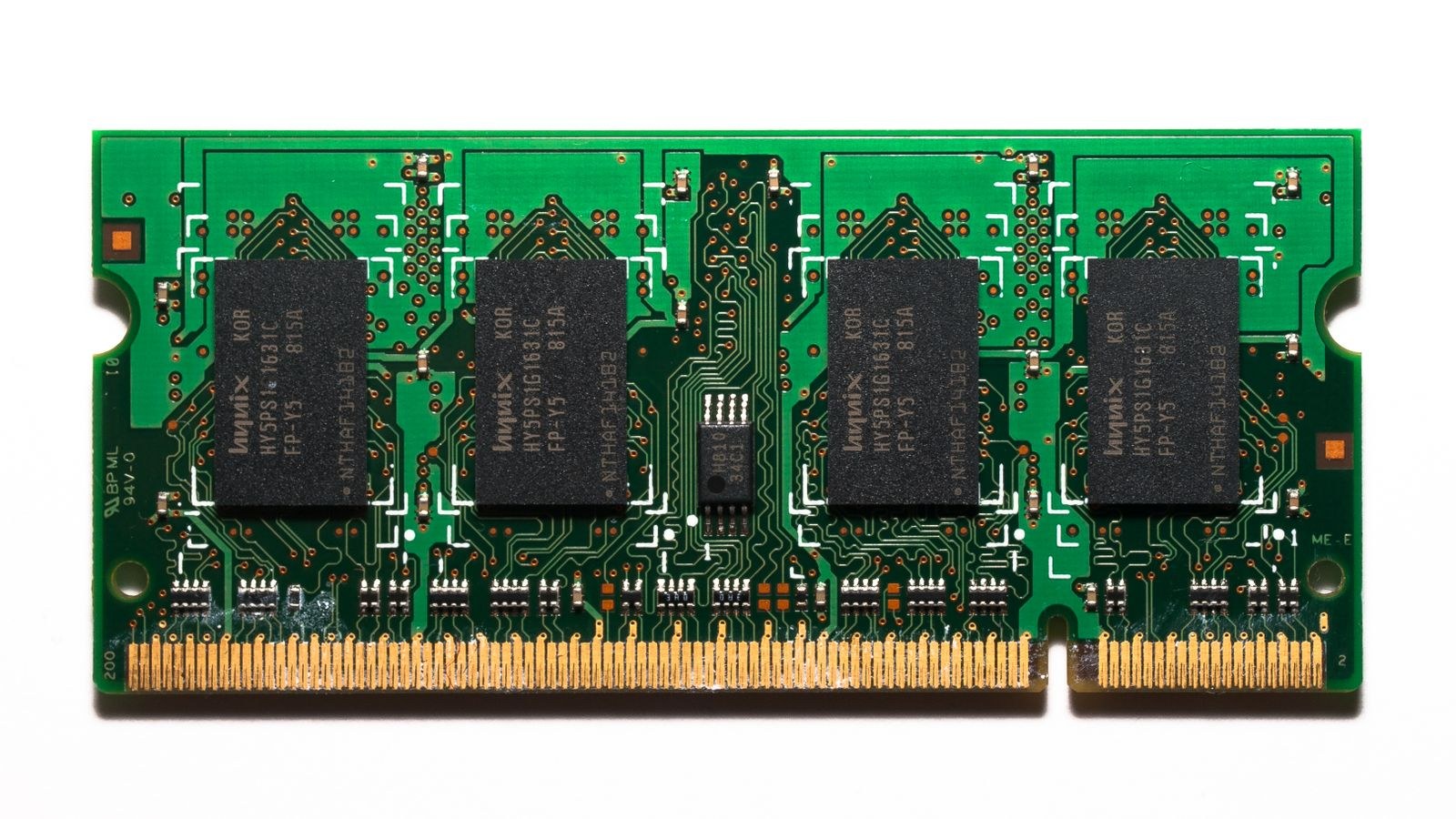
DDR5 is not simply a faster version of DDR4; it reworks how memory is organized internally. It starts at higher base speeds, scales to much higher rated speeds, and splits each module into two independent sub-channels that let the memory controller handle more requests at once. It also moves power management onto the module itself, which helps stability at high speeds. On paper this adds up to a large bandwidth advantage, and in tasks that stream huge amounts of data continuously, that advantage is genuine and measurable.
The important nuance is that higher bandwidth does not translate evenly across every task. DDR5 often carries higher latency in raw cycle terms even as it delivers more throughput, so applications that depend on quick individual responses may see far smaller gains than the bandwidth figures imply. Whether the change matters to you depends entirely on what you run, which is why a blanket answer of yes or no misses the point.
Real Frame Rates in Games
Gaming is where expectations and reality diverge most. In many titles, especially at higher resolutions where the graphics card is the limiting factor, the difference between well-chosen DDR4 and DDR5 is small enough that you would struggle to feel it. The graphics card is doing the heavy lifting, and memory bandwidth is not the bottleneck. This is why a capable DDR4 gaming system remains perfectly enjoyable, and why upgrading memory alone rarely transforms the experience. Builders choosing memory for either standard still benefit from picking a kit tuned for responsiveness, like those among the best RAM for gaming.
DDR5 does pull ahead in specific situations: competitive players chasing very high frame rates at lower resolutions, where the processor and memory feed frames faster than the display bottleneck, and games that are unusually sensitive to memory bandwidth. If that describes how you play, the newer standard earns its place. If you play at higher resolutions or mixed settings like most people, the gap narrows to the point where it should not drive the decision on its own.
Latency and Responsiveness
Latency is where DDR5 complicates the simple story. Because early and mid-range DDR5 kits often run higher latency in absolute terms, some tasks that reward a quick memory response can feel no faster, or occasionally a touch slower, than a tight DDR4 kit. As DDR5 has matured, faster and lower-latency kits have closed much of this gap, so a modern high-quality DDR5 kit behaves very differently from the first generation. When comparing, look at the whole picture of speed and timings rather than the speed number alone. Buyers who care about tight timings on the older platform can still find strong options among the best DDR4 RAM, which remain excellent value.
Platform and Upgrade Cost
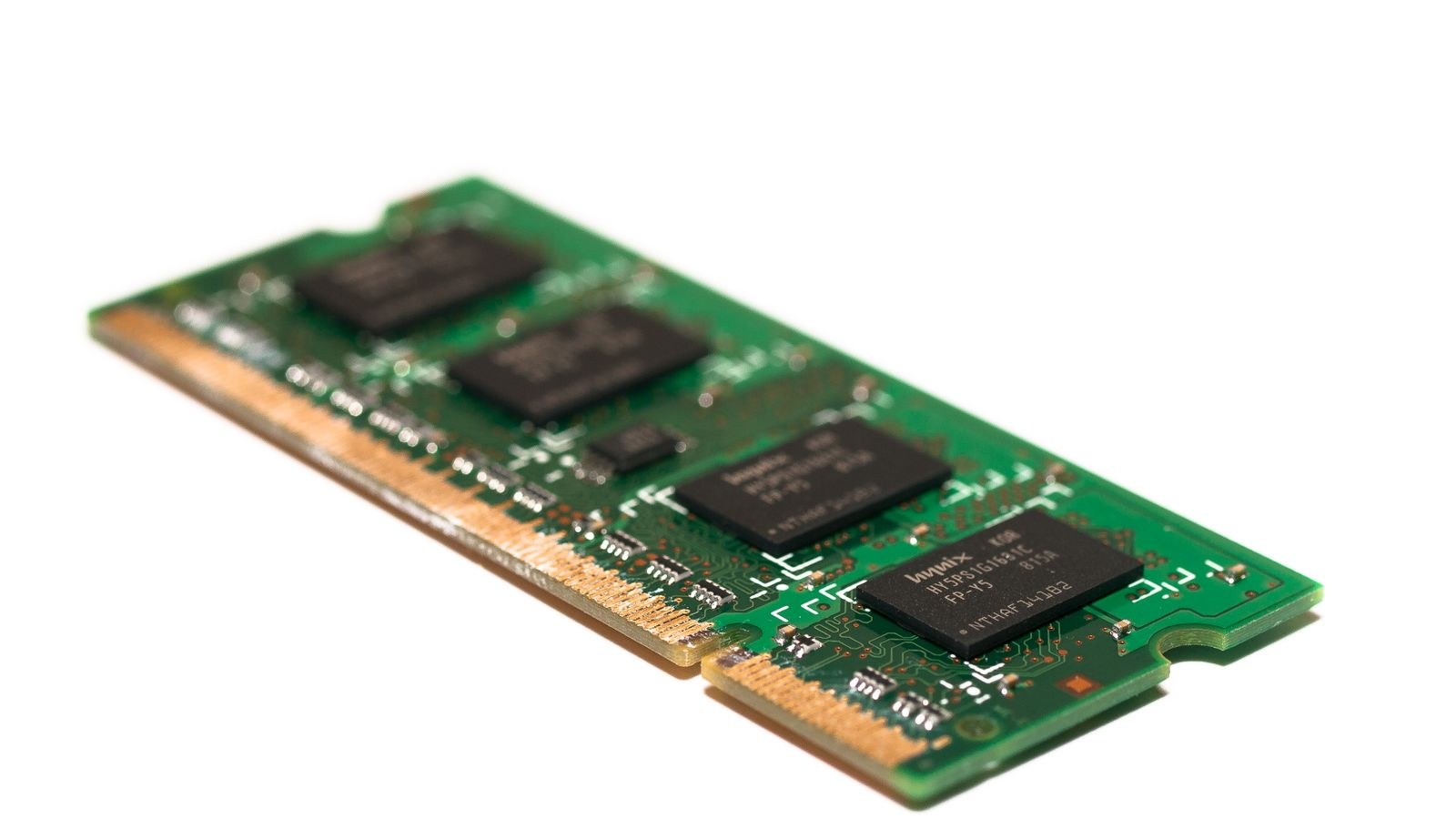
This is the factor that decides most upgrades, because you cannot swap DDR5 into a DDR4 board. The two standards use physically different slots, so moving to DDR5 usually means a new motherboard and often a new processor as well. That turns a memory upgrade into a platform upgrade, and the total cost climbs accordingly. If you are already building a new system from scratch, this cost is baked in and choosing DDR5 is straightforward. If you are considering an upgrade to an existing DDR4 machine, the real question is whether a whole new platform is justified by your workload.
Anyone building fresh on the newer standard should pair the memory with a compatible board, so browsing the best DDR5 motherboards is a sensible starting point. On current-generation platforms that only accept the newer memory, such as many recent builds, the choice is made for you, and selecting from the best AM5 motherboards ensures the board, processor and memory all line up. Confirming this compatibility before buying anything prevents the expensive mistake of mismatched parts.
Upgrade Life and Longevity
Beyond raw speed, there is the question of how long a platform stays viable. DDR5 is the current direction of the industry, so a system built around it today is more likely to support future upgrades, faster kits and newer processors down the line. A new DDR4 build, by contrast, sits on a mature platform that is nearing the end of its active development. For someone who upgrades in stages over many years and wants the longest runway, that longevity is a legitimate reason to favor the newer standard even where today’s performance gap is modest.
The counterpoint is that longevity only pays off if you actually keep and upgrade the machine for a long time. If you tend to replace the whole system every few years, buying into the newest platform for future-proofing offers less real value, and a well-priced DDR4 build can be the smarter financial choice right now. Match the decision to your own upgrade habits rather than to a general sense that newer is safer.
Availability, Pricing and Buying Smart
Pricing has shifted a great deal as the newer standard has matured. When DDR5 first arrived it carried a steep premium and limited availability, which made DDR4 the obvious value pick for most builders. That gap has narrowed considerably, and a modern DDR5 kit is now far more affordable than it once was, which changes the math for anyone building fresh. When you do buy into the newer standard, focus on a quality kit rather than the cheapest one, since early bargain modules sometimes came with loose timings that undercut the bandwidth advantage; the options among the best DDR5 RAM highlight kits that balance speed and timings sensibly.
For DDR4, the mature market works in your favor. Prices are low, kits are plentiful, and you can find tight-timing options at speeds that suit gaming without paying a premium. The smart move on either standard is the same: decide your platform first, then buy a well-reviewed matched kit at a speed the board supports, rather than reaching for the flashiest number. That discipline saves money on both standards and avoids the disappointment of paying for performance the platform cannot deliver.
Who Should Upgrade and Who Should Wait
A few clear profiles emerge. If you are building a brand-new system, especially on a current platform that requires DDR5, go with the newer standard and choose a strong modern kit; the decision is easy and the platform cost is unavoidable anyway. If you run demanding creative work that genuinely streams large amounts of data, DDR5 bandwidth can shorten real tasks and is worth it. On the other hand, if you own a healthy DDR4 gaming machine and are tempted to upgrade the memory alone, hold off, because the cost of a new platform rarely rewards you with a difference you will feel. Spend that money on a better graphics card or faster storage instead.
Frequently Asked Questions
Can I put DDR5 in a DDR4 motherboard?
No. The two standards use different physical slots and are not compatible. Moving to DDR5 requires a motherboard that supports it, and usually a compatible processor as well.
Will DDR5 make my games run much faster?
Usually not by a large margin, especially at higher resolutions where the graphics card is the bottleneck. Competitive players chasing very high frame rates at lower resolutions see the biggest benefit; most players see a modest one.
Is DDR4 obsolete?
Not at all. DDR4 remains fast, stable and excellent value, and a new DDR4 build performs well today. It is simply a mature platform with less future upgrade runway than DDR5.
Should I upgrade memory on my current DDR4 PC?
Only if you need more capacity. Swapping to DDR5 means a new platform, so upgrading purely for the standard rarely justifies the cost unless you are rebuilding the whole system anyway.
Final Thoughts
The DDR4 versus DDR5 decision comes down to context, not a universal winner. DDR5 delivers real bandwidth gains, better longevity and clear value in a new build or a data-heavy workload, while a mature DDR4 system remains fast, affordable and perfectly capable for gaming and everyday use. The deciding factor is almost always the platform cost: if you are building fresh or your board requires the newer memory, choose DDR5 with confidence, and if you already own a solid DDR4 machine, put your money where it will actually be felt.