Owen Bradley
 A bedroom TV has a completely different job from the one in your living room. It is watched from closer range, usually lying down, almost always in the dark, often late at night while someone else is trying to sleep, and it needs to disappear when it is switched off rather than dominate the room. Those constraints flip the usual buying priorities on their head. This bedroom TV buying guide covers picking the right size for a small room, why dark-room picture quality matters more than brightness, how to solve the audio problem quietly, and which settings make late viewing easier on your sleep in 2026.
Start With Size and Distance, Not the Spec Sheet
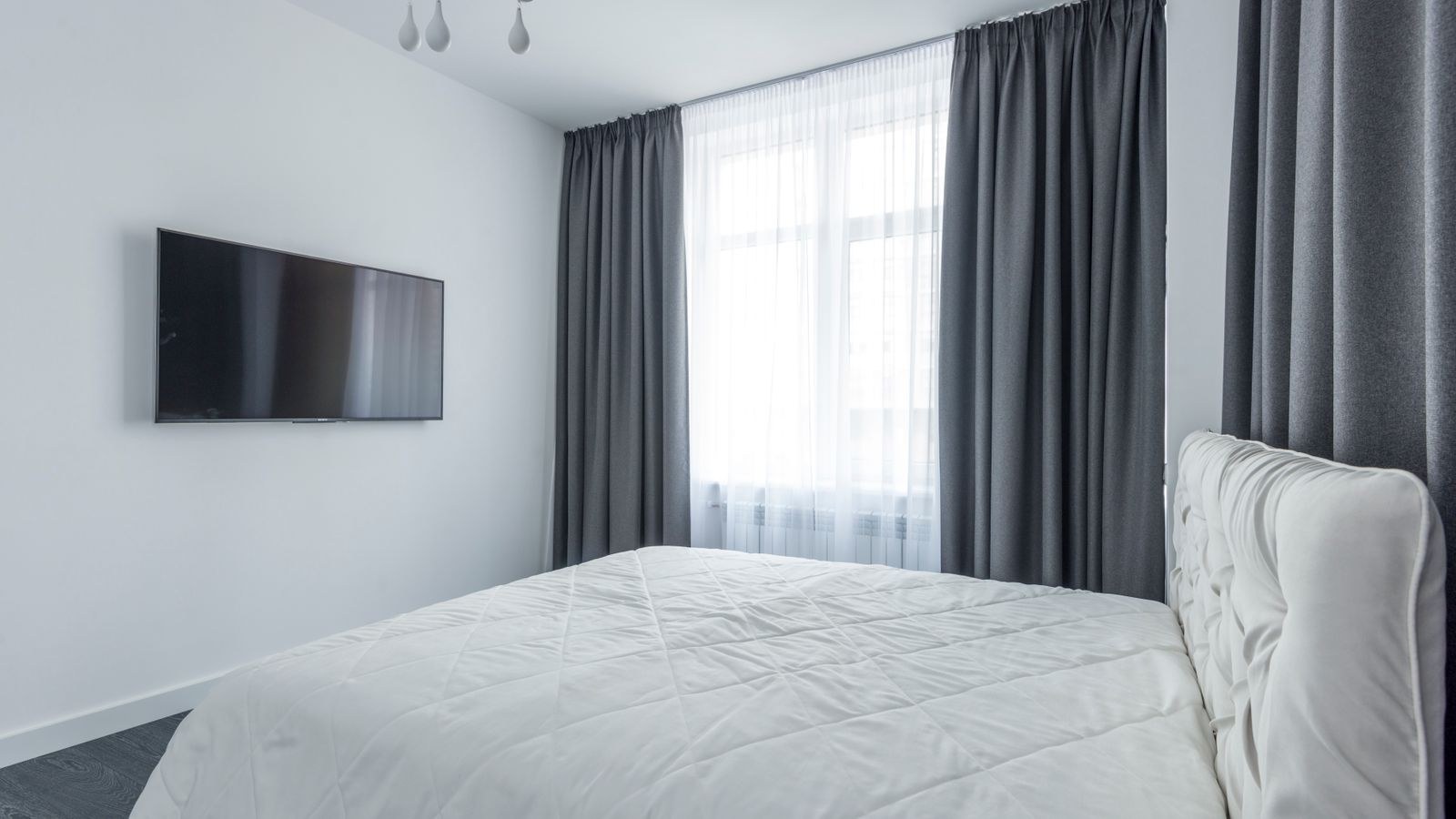
Bedrooms are smaller than living rooms and the seating position is fixed, which makes sizing unusually easy to get right. Measure from your pillow to the wall where the screen will live, then work backwards. A comfortable field of view for 4K content sits at roughly one to one and a half times the screen’s diagonal in distance.
- Under 6 feet: 32 to 43 inches is plenty and anything larger forces head movement.
- 6 to 8 feet: 43 to 55 inches hits the sweet spot for most bedrooms.
- 8 to 10 feet: 55 to 65 inches works well in a large primary bedroom.
- Over 10 feet: treat it like a living room and size accordingly.
Resist the urge to buy the biggest panel that fits the wall. Watching an oversized screen from a reclined position is genuinely uncomfortable, since you end up scanning the image rather than taking it in. Compact sets designed for exactly this use case appear in our roundup of the best compact gaming TVs, while the best 55 inch gaming TVs guide covers the size most large bedrooms land on.
Height and Angle Matter More Than Usual
You will spend most of your viewing time reclined, which means the ideal screen height is lower than instinct suggests and a slight downward tilt often helps rather than hurts. If the TV sits on a dresser, check the sightline over the footboard from where your head actually rests. If it is wall mounted, a tilting bracket lets you angle it toward the pillows. Getting this wrong causes neck strain that no picture quality can compensate for.
Dark Room Picture Quality Is the Priority
Living room TVs are chosen for brightness because they fight daylight. Bedroom TVs are watched mostly at night with the lights off, so the relevant qualities are black level, shadow detail, and freedom from backlight artifacts. A panel that looks superb at noon can be a poor bedroom choice if its blacks turn grey and its dimming zones bloom around subtitles.
Two problems show up constantly in dark-room viewing. Backlight bleed appears as bright patches near the edges of a dark scene. Blooming is a halo around bright objects on a dark background, caused by dimming zones being larger than the object they light. Both are far more noticeable at night than during the day, and both are common on inexpensive edge-lit sets. Our guide to the best dark room gaming TVs covers panels chosen specifically for this behaviour, and the best bedroom gaming TVs roundup narrows that down to bedroom-friendly sizes.
Minimum Brightness Matters Too
An overlooked spec: how dim can the TV go? Many sets bottom out at a brightness that is still uncomfortably bright in a pitch-dark bedroom, leaving you squinting at midnight. Look for a set with a wide backlight range and, ideally, a dedicated low-light or night picture mode. This single characteristic affects bedroom comfort more than peak brightness ever will.
Solving the Audio Problem Quietly
Bedroom audio is a puzzle of opposites. You want dialogue clear enough to follow at low volume, without bass that carries through walls or wakes a sleeping partner. Built-in TV speakers usually fail on the first count, since they thin out badly at low volume and dialogue gets lost under music and effects.
Several approaches work, each with a different trade-off:
- Compact soundbar: a small bar without a subwoofer improves dialogue clarity dramatically while avoiding room-shaking bass.
- Bluetooth headphones: the best answer for late-night viewing next to a sleeping partner, though pairing latency needs checking.
- Night mode or dynamic range compression: built into most TVs, this compresses loud effects and lifts quiet dialogue.
- Dialogue enhancement: a separate setting on many sets that boosts the vocal frequency range specifically.
Whatever route you choose, test it at the volume you will realistically use rather than at showroom levels. Plenty of audio setups that sound impressive loud become muddy and unintelligible when turned down.
Sleep-Friendly Setup and Settings
Screens late at night affect sleep in two ways: the light itself, and the stimulation of the content. You cannot do much about the second, but the first is very manageable with settings you configure once.
- Create a night picture preset. Drop the backlight substantially, shift color temperature to the warmest setting, and save it as a separate mode you can switch to in one press.
- Enable the sleep timer. Nearly every TV has one, and it prevents the screen blaring at 3am when you fall asleep mid-episode.
- Add bias lighting. A dim warm light behind the screen reduces the harsh contrast between a bright panel and a black room, which measurably reduces eye strain.
- Turn off motion smoothing and dynamic contrast. Both cause sudden brightness swings that are jarring in the dark.
- Kill the standby indicator. A bright LED on the front of the TV is a genuine nuisance in a dark bedroom; most sets let you disable it, and a small piece of tape handles the rest.
- Lower the interface brightness. Smart TV home screens are often far brighter than the content itself.
Ambient lighting deserves its own thought. A soft glow behind or around the screen makes late viewing much easier on the eyes than a bright panel floating in total darkness; our best TV lights guide covers the strips and bars designed for this.
Mounting Versus Furniture Placement
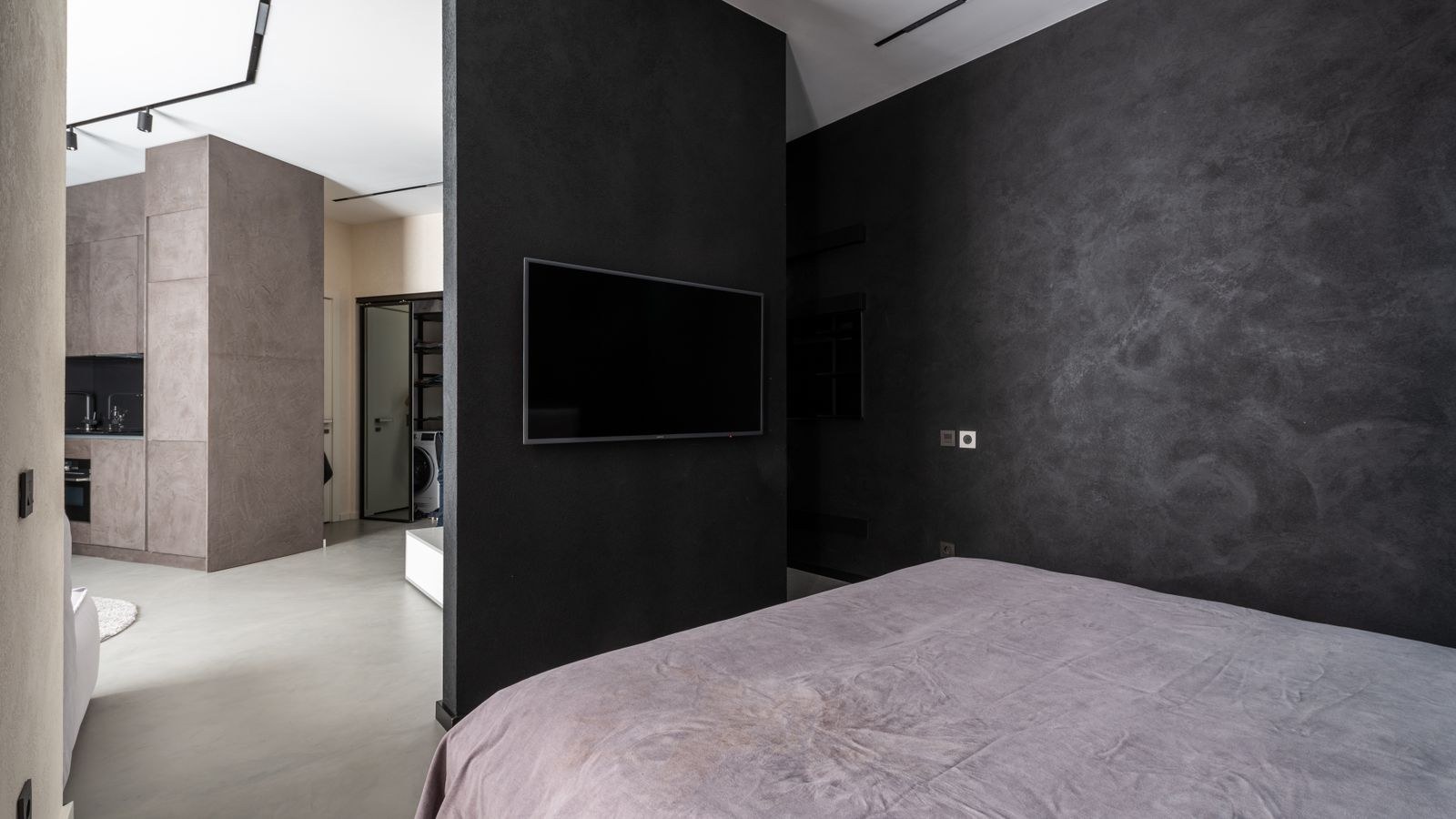
Wall mounting saves floor space, keeps the screen at a chosen height, and removes the wobble of a dresser-top installation. It also hides cables if you run them inside the wall or through a channel. The downsides are commitment to a position and the need to find studs in the right place.
Furniture placement is more flexible and easier to change, but it usually puts the screen either too low or too high depending on the dresser, and it consumes surface area you may want for other things. If you do mount, a tilting bracket is worth the small extra cost in a bedroom because of the reclined viewing angle. A full-motion arm is rarely necessary unless you want to watch from both the bed and a chair.
Smart Features, Ports, and Practicalities
A bedroom TV usually carries fewer devices than a living room set, so port count is less critical, but a few practical points still matter. Check that the HDMI ports are side-facing rather than rear-facing if the set will be wall mounted close to the wall. Confirm the remote is usable in the dark; backlit buttons or a simple layout you can feel your way around beats a slab of identical keys.
Voice control is genuinely handy in a bedroom, since reaching for a remote in the dark is annoying, but consider whether you want an always-listening microphone in that room. Most sets let you disable it in hardware. Also check whether the TV’s operating system boots quickly, because waiting thirty seconds for a home screen is far more irritating at bedtime than it is on a Saturday afternoon.
Do Not Overbuy Features
A bedroom set rarely needs the highest-end processing, the widest color volume, or the most advanced gaming features unless you genuinely game in there. Spending that money on better dark-room performance, a quieter audio solution, and a proper mount produces a much better experience than chasing flagship specs for a screen you watch half asleep.
Common Bedroom TV Mistakes
- Buying too large for the viewing distance because the wall looked empty.
- Choosing a bright, glossy living-room-optimised panel that blooms badly at night.
- Mounting too high, which causes neck strain when reclined.
- Relying on built-in speakers, then watching everything at a volume that disturbs the household.
- Never configuring a night picture mode and living with a blinding default preset.
- Forgetting the sleep timer and leaving the TV running until morning.
- Ignoring standby LEDs and bright interface elements that light the room at night.
Frequently Asked Questions
What size TV is right for a small bedroom?
For a viewing distance of six to eight feet, 43 to 55 inches is comfortable. Measure from your pillow rather than from the foot of the bed, since that is where you actually watch from.
Should I wall mount a bedroom TV?
Mounting is usually better because it fixes the height and frees surface space. Use a tilting bracket so the screen can angle down toward the pillows.
How do I watch TV without waking my partner?
Bluetooth headphones are the most reliable solution. Failing that, enable night mode or dynamic range compression and use dialogue enhancement so you can follow speech at a low volume.
Is OLED a good choice for a bedroom?
It suits dark-room viewing very well thanks to perfect blacks and no blooming. The usual daylight brightness concerns matter far less in a room used mostly at night.
Does watching TV in bed really affect sleep?
Bright screens close to bedtime can delay sleep onset. A warm, dimmed night preset with bias lighting and a sleep timer reduces the impact considerably.
Final Thoughts
The best bedroom TV is rarely the one with the most impressive specifications. It is the one sized correctly for the distance from your pillow, tuned to look good with the lights off, quiet enough not to disturb anyone, and mounted at a height that does not strain your neck. Spend your budget on dark-room picture quality, a small audio upgrade, a tilting mount, and some bias lighting rather than on flagship features you will never notice. Get those basics right and the TV becomes a pleasant end to the day instead of a bright, loud intrusion into a room meant for rest.