Owen Bradley
 The question sounds simple but hides three different questions inside it. Are smart locks secure against a burglar with a crowbar? Against someone with a laptop and a Bluetooth sniffer? Against your own forgetfulness, a dead battery, or a code you shared two years ago and never deleted? Those are separate threat models with separate answers, and most of the anxiety around electronic locks comes from blending them together. The honest short answer is that a good smart lock is roughly as secure as a good mechanical deadbolt against physical attack, meaningfully better against the most common real-world entry method, and worse only if you configure it carelessly. This guide separates the marketing from the mechanics so you can judge any lock on the specifications that actually matter.
How Break-Ins Actually Happen
Before evaluating electronics, it helps to know what you are defending against. Residential burglaries overwhelmingly involve forced entry through a door or window, or no force at all because something was left unlocked. Lock picking is rare, and cryptographic attacks on consumer door hardware are rarer still. A determined intruder does not defeat your lock; they defeat your door frame, your glass, or your habits.
That reframes the whole comparison. The two features that most reduce your risk are a bolt that seats fully into a reinforced frame and a door that is reliably locked every single time. Smart locks improve dramatically on the second point through auto-lock, and they are neutral on the first, since the mechanical bolt is what it is regardless of what turns it.
The Auto-Lock Advantage
Auto-lock is the underrated security feature of the category. Set a thirty-second or one-minute timer and the door secures itself every time it closes, whether you remembered or not. No mechanical lock does this. For households with children, frequent deliveries, or a garage entry that gets used a dozen times a day, this single behavior likely outweighs every theoretical vulnerability discussed below.
Physical Security: ANSI/BHMA Grades
Physical strength is graded by ANSI/BHMA, and the ratings apply identically to electronic and mechanical deadbolts. Grade 1 is the strongest residential and light commercial tier, tested to the highest cycle counts and the greatest impact and torque resistance. Grade 2 is the solid mainstream residential tier. Grade 3 is the minimum, common on builder-grade hardware and worth upgrading.
Look for the grade on the box or the spec sheet. A Grade 1 electronic deadbolt is genuinely strong hardware; a Grade 3 one is not, regardless of how sophisticated its app is. This is where shopping by specification pays off, and our roundup of the best security locks is a useful reference for what higher grades look like in practice.
Bolt Throw, Strike Plates, and the Weakest Link
Three mechanical details defeat more intruders than any grade label. First, the bolt should throw a full inch into the jamb, not the half inch some cheap locks manage. Second, the strike plate should be a reinforced steel plate, not thin stamped brass. Third, and most importantly, the strike screws must be three inches long so they anchor into the wall stud behind the jamb rather than into the thin jamb trim.
That last point is the highest-value ten-dollar upgrade in home security. A kicked door almost always fails at the jamb, splitting the wood around short screws. Long screws transfer the force into the framing. Do this and your door resists far more force than the lock alone ever could, whichever type you buy.
Digital Attack Surfaces Explained
Now the part people actually worry about. Smart locks communicate over Bluetooth Low Energy, WiFi, Z-Wave, Zigbee, or Thread, and each channel has been scrutinized by security researchers. Here is a realistic assessment of each.
- Bluetooth Low Energy. Short range, roughly thirty feet, so an attacker must be physically at your door. Well-implemented locks use rolling authentication and encrypted pairing. Documented flaws have existed in specific older models, typically involving replay attacks or unencrypted commands, and were patched by firmware. The range limitation keeps the practical risk low.
- WiFi. Convenient and remotely accessible, which also means remotely attackable in principle. In practice the lock rarely accepts direct connections; it talks outbound to the manufacturer’s cloud. Your exposure is therefore mostly the strength of your account password and the vendor’s server security, not the lock itself.
- Z-Wave, Zigbee, and Thread. Low-power mesh protocols using a hub. They use AES-128 encryption and never expose the lock directly to the internet. This is generally the most conservative choice from a security standpoint.
Across all of them, the dominant real-world risk is not protocol cryptography. It is account compromise through a reused password.
The Settings That Actually Matter
Configuration beats hardware here. Enable two-factor authentication on the lock’s account, use a unique password not reused anywhere else, keep firmware updated since patches for disclosed flaws are pushed this way, and audit your access codes at least twice a year to delete ones for people who no longer need entry. Turn off any feature you do not use, particularly auto-unlock-on-approach, which can trigger from inside the house when you pass near the door.
Credential Types Ranked by Risk
Different access methods carry different exposure, and most locks support several at once.
- App with two-factor authentication. Strongest, assuming a unique password. Compromise requires defeating your phone or your account.
- Physical key. As strong as the cylinder, which for most residential locks means pickable by a skilled person but effectively secure against the average intruder.
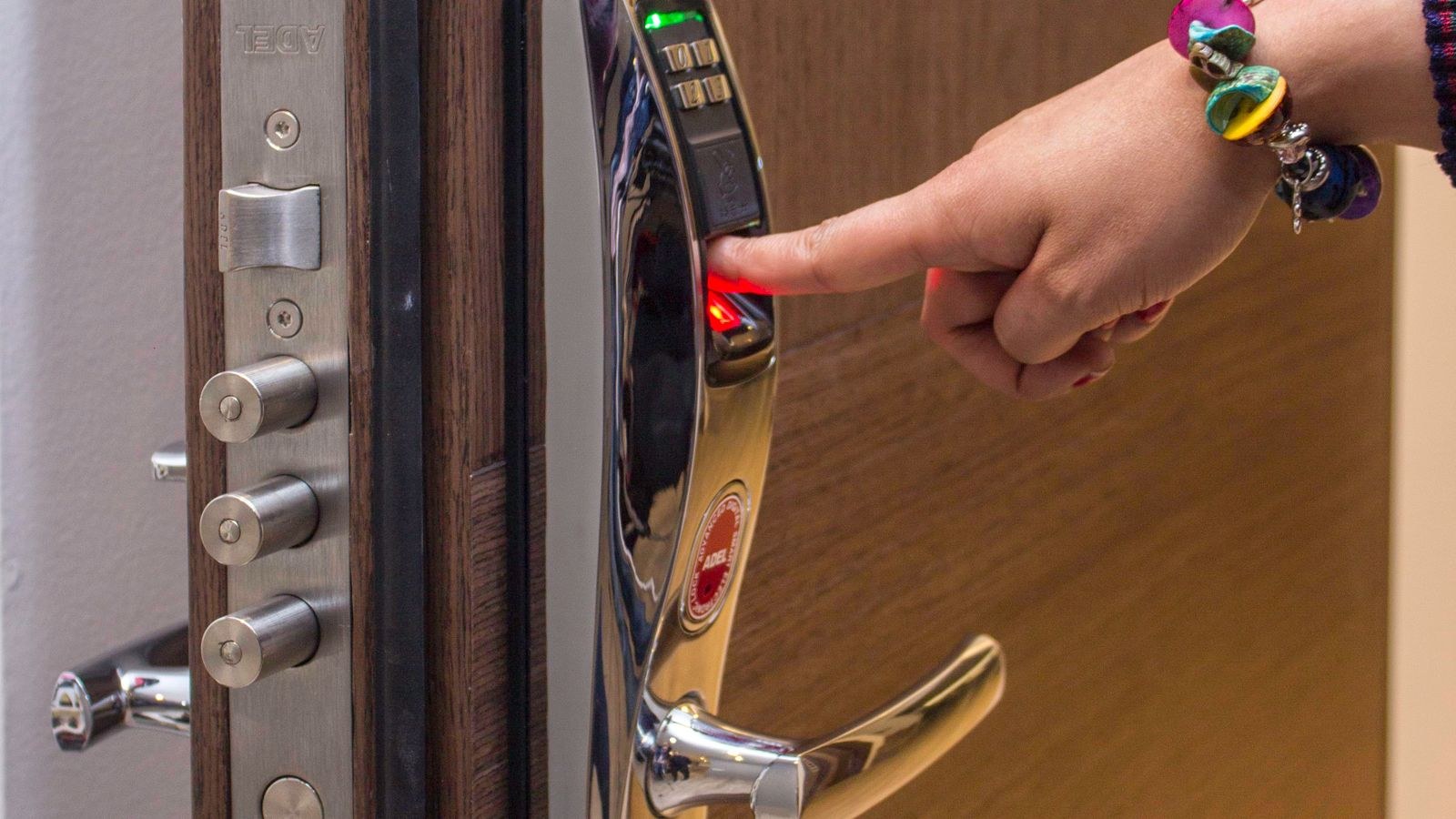
- Fingerprint. Convenient and hard to share accidentally, though sensors vary in reliability with wet or cold fingers.
- Keypad code. Secure if the code is long, unique, and rotated. Weak if it is 1234, a birth year, or written on a note in the entryway.
- Auto-unlock by geofence. Convenient and the least deliberate, since the door can open without any intentional action from you.
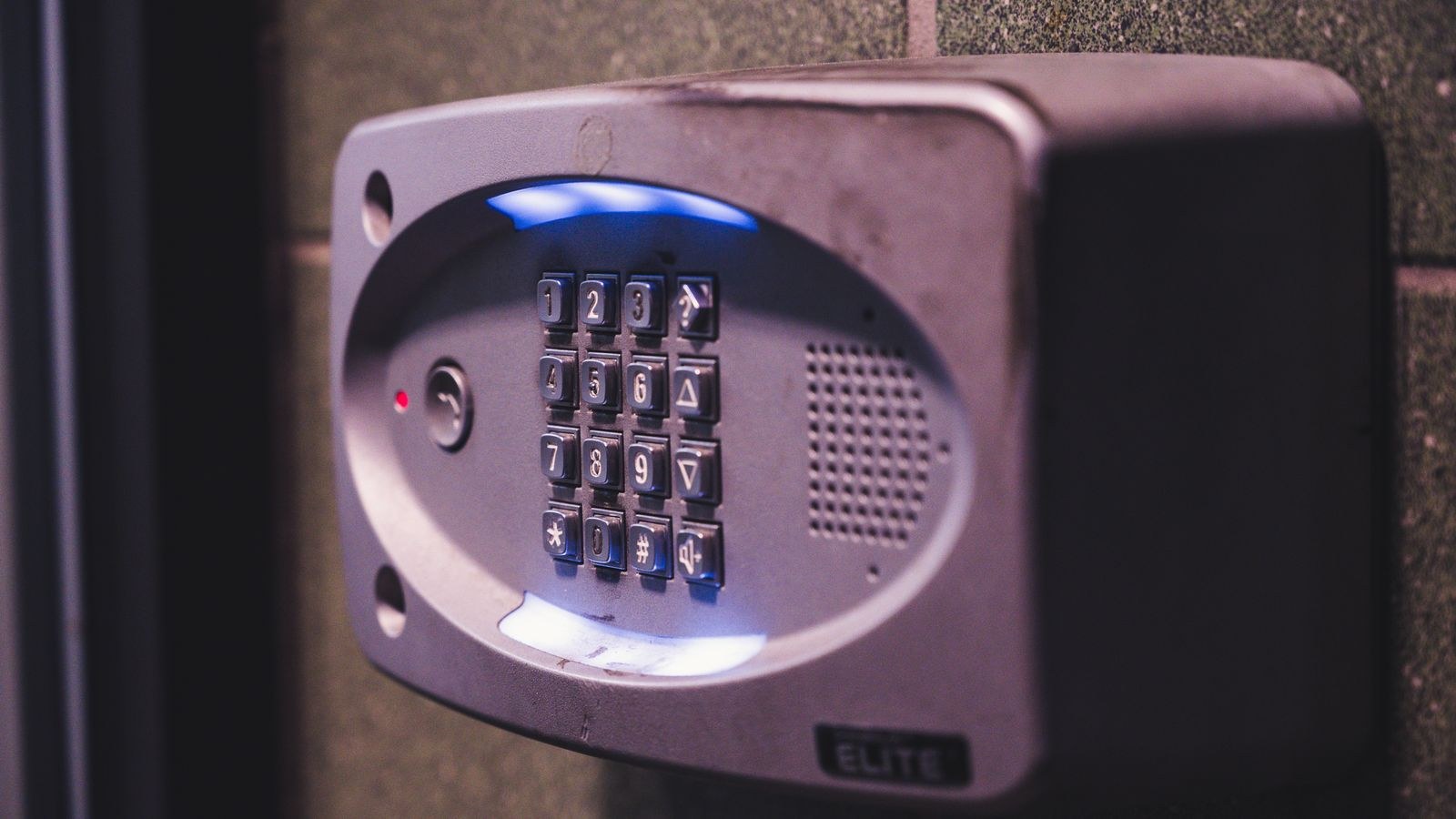
Keypads deserve extra attention because worn or smudged buttons reveal which digits are in the code. Choose a lock that requires pressing extra random digits before the real code, and clean the keypad periodically. If you are shopping specifically for exterior entry hardware, the best front door locks guide covers models with strong keypad implementations.
Failure Modes Nobody Advertises
Security includes availability. A lock that will not let you in has failed too, so consider these scenarios before buying.
Dead batteries. Every smart lock runs on cells, typically lasting six months to a year. Good models warn you weeks ahead, and better ones provide exterior emergency contacts that accept a 9V battery to power the motor long enough for one entry. A physical key override removes the problem entirely.
Internet or cloud outage. If the vendor’s servers go down, remote features stop. Local control over Bluetooth or a hub should continue. Check that the lock functions without internet before you rely on it.
Motor or bolt failure. A binding bolt will eventually kill the motor. If the door only locks when you pull it toward you, fix the alignment before installing anything electronic.
Vendor abandonment. Companies exit the market and cloud services get retired. Locks that work locally survive this; cloud-only locks may lose features. Favor established brands with a firmware update history, which is one reason the best smart locks lists weight long-term support alongside hardware quality.
Where Smart Locks Are Genuinely Better
Set aside the fear for a moment. There are areas where electronics beat a key outright. Access logs tell you who entered and when, which mechanical locks simply cannot do. Revocation is instant: delete a code and that person is out, with no locksmith visit and no recalling copies of a key you have no way to count. Temporary and scheduled access lets a cleaner in on Tuesdays between nine and noon and no other time. And no key spends its life under a doormat or inside a fake rock, which is a far more common vulnerability than any radio protocol.
For front doors specifically, these operational advantages usually outweigh the additional complexity. Our best smart locks for front doors roundup focuses on models that combine strong grades with reliable logging and code management.
Common Mistakes That Undermine Security
The most damaging error is treating a good lock as the whole system. A Grade 1 deadbolt beside a single-pane sidelight window is decorative. Look at the door, the frame, the glass, and the hinges together.
Next is credential hygiene: reused passwords, four-digit codes based on personal dates, and codes issued years ago to people long gone. Then there is skipping firmware updates, which is how known and patched vulnerabilities stay exploitable. Finally, many buyers never test the failure path, discovering only during an outage that they have no physical key and no emergency power option. Run that test deliberately on a Saturday afternoon rather than accidentally at midnight.
Frequently Asked Questions
Can a hacker open my smart lock from across the internet?
Not directly for most designs, since locks make outbound connections to a vendor cloud rather than accepting inbound ones. The realistic path is compromising your account, which is why unique passwords and two-factor authentication matter more than protocol details.
Are keypad codes safer than keys?
For most households yes, because codes can be unique per person, revoked instantly, and never left under a mat. They are only safer if the codes themselves are non-obvious and rotated.
What happens if the battery dies while I am out?
Depends on the model. Look for exterior emergency power contacts, a physical key override, or both. Locks with neither can leave you stranded, so treat that as a purchase requirement.
Does a smart lock lower my insurance?
Some insurers offer modest discounts for verified security devices, often bundled with monitored alarms. Ask your provider, as policies vary widely.
Should I choose Bluetooth, WiFi, or a hub protocol?
Hub protocols like Z-Wave, Zigbee, and Thread are the most conservative because the lock never faces the internet. WiFi is the most convenient. Bluetooth-only is the cheapest and longest on batteries. For a broader look at how these choices affect daily use, see our smart locks keyless entry guide.
Final Thoughts
Smart locks are secure enough for a front door when you buy on grade rather than gadgetry and configure them with a little discipline. Choose Grade 1 or Grade 2 hardware, reinforce the strike plate with three-inch screws, enable two-factor authentication, use long unique codes, keep firmware current, and confirm the lock has a workable plan for dead batteries. Do those six things and the electronics add convenience and auditability without giving anything back on physical resistance.
What they will not do is compensate for a weak frame, a hollow door, or an unlocked window. Treat the lock as one component of an entry point rather than the whole defense, and the answer to whether smart locks are secure becomes a confident yes for the vast majority of homes in 2026.