
 Priya Raghavan
 Choosing the Best WiFi 6 Mesh Routers for Whole-Home Coverage
Dead zones, buffering video calls, and a network that buckles the moment everyone gets online at once are all signs that a single router is no longer enough for a modern home. If you have been searching for the best WiFi 6 mesh routers, you are on the right track: mesh systems spread multiple access points around your house so every room gets a strong, steady signal. Pair that with the WiFi 6 standard and you get faster speeds, better handling of crowded networks, and smoother performance across dozens of connected devices.
This guide is not a product-by-product review. Instead, it walks you through how to think about coverage, speed, backhaul, and features so you can confidently pick a system that fits your home and budget. Below you will also find a curated list of popular WiFi 6 mesh options to compare side by side.

Pros
- Covers up to 1,500 sq ft from a single unit, roughly a 22 ft radius in open floor plans
- Supports internet plans up to 900 Mbps, which matches most gigabit-tier home connections
- Wi-Fi 6 radio handles 75 or more connected devices at once, useful once smart bulbs and sensors multiply
- Built-in Zigbee hub links compatible bulbs, plugs and locks without a separate bridge box
- Cross-compatible with the wider hardware family, so extra nodes can join the same network later
Cons
- Coverage from one unit stops at about 1,500 sq ft, so a two-storey or long narrow home will need extra nodes
- Just two auto-sensing Ethernet ports, and one is taken by the modem uplink, leaving a single wired client before you need a switch
- Advanced security filtering, ad blocking and parental controls require a separate eero Plus subscription
Pros
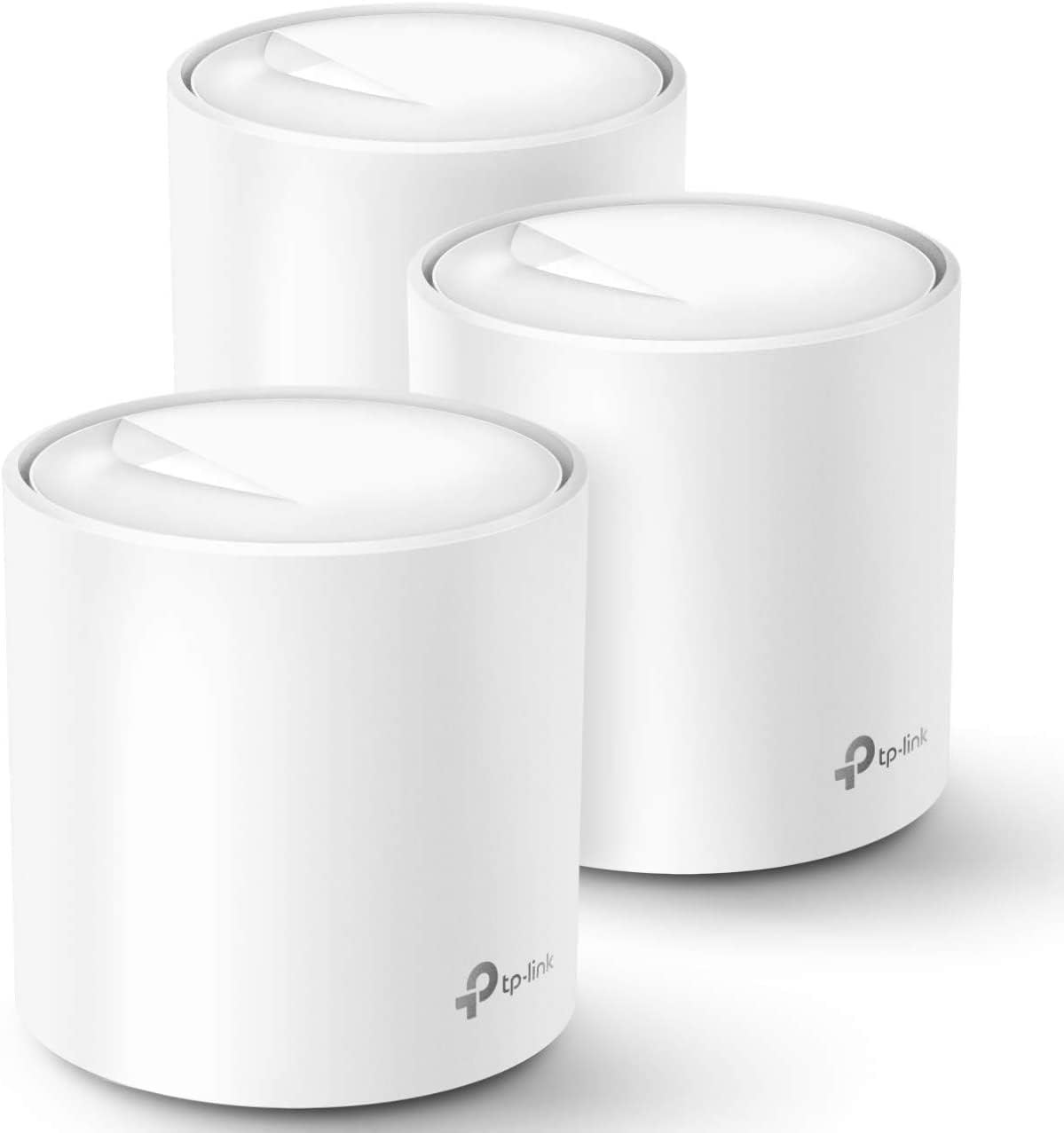
- Three identical units cover a quoted 5800 square feet, and any one of them can act as the router
- AX1800 Wi-Fi 6 with OFDMA and BSS colouring handles dense device loads better than Wi-Fi 5
- Tested for up to 150 simultaneous clients across phones, plugs, cameras and TVs
- Two gigabit Ethernet ports on every unit, six across the pack, with wired backhaul supported
- One SSID with automatic handoff, so devices switch nodes as you walk through the house
Cons
- Dual-band only, so wireless backhaul shares the same 5GHz band that clients use unless you run Ethernet
- Gigabit Ethernet ports cap any incoming connection faster than 1 Gbps
- A separate modem or ONT from the provider is still required, and HomeShield reserves advanced features for a subscription

Pros
- Up to 1200 Mbps on 5 GHz plus 574 Mbps on 2.4 GHz for 1.8 Gbps of combined bandwidth
- Four high-gain external antennas with beamforming to focus signal toward distant devices
- OFDMA scheduling keeps dozens of smart-home devices from congesting the available airtime
- Joins an EasyMesh network, so a compatible extender shares one network name across a house
- Built-in OpenVPN and PPTP server plus a 2-year warranty on the hardware
Cons
- Dual-band only - there is no 6 GHz radio, so Wi-Fi 6E and 7 clients gain nothing extra
- WAN and LAN ports top out at gigabit, which bottlenecks any internet plan faster than 1 Gbps
- A separate modem is still required for most internet services, since none is built in
Bandwidth splits into up to 1200 Mbps on 5 GHz and up to 574 Mbps on 2.4 GHz, which is where the AX1800 label comes from. Those are link speeds shared across connected devices, not a guaranteed per-device figure.
- 5 GHz carries the fast traffic - 4K streaming, gaming, large downloads - over shorter distances.
- 2.4 GHz travels further through walls and is where most smart plugs, cameras and sensors live.
- Four high-gain antennas plus beamforming aim signal at devices rather than radiating evenly.
OFDMA lets the router talk to several devices within the same transmission slot, which is the practical Wi-Fi 6 gain in a busy household: fewer stalls when a dozen devices all want airtime at once.

Pros
- Three units cover up to 6,500 square feet and support up to 150 simultaneously connected devices
- AX3000 splits as 2402 Mbps on 5 GHz with HE160 support plus 574 Mbps on 2.4 GHz
- Nine Gigabit Ethernet ports in total, three per unit, and any unit can serve as the main router
- Wired Ethernet backhaul is supported, which frees the 5 GHz band from carrying node-to-node traffic
Cons
- The WAN port is Gigabit, so a 2 Gbps or faster fibre plan cannot be used at its full speed
- Dual-band only, with no dedicated backhaul radio, so wireless backhaul shares 5 GHz with your devices
- Full HomeShield parental controls and security features move to a paid subscription after the free tier

Pros
- Wifi 6 support with 160 MHz channel bandwidth on the 5GHz band for higher throughput per device
- Rated to cover up to 1,500 sq. ft. from a single unit, expandable by adding more units to the same mesh
- Connects 75+ devices simultaneously, useful for homes with many smart home gadgets
- TrueMesh routing automatically reroutes traffic around congestion to reduce drop-offs
- Built-in smart home hub supports Thread and Zigbee devices without a separate bridge
Cons
- Advanced security and network management features require a separate ongoing subscription
- Single-unit coverage tops out at 1,500 sq. ft., so larger homes need additional units purchased separately
- Setup and management run only through the companion app; there is no traditional web-based admin panel

Pros
- Trend Micro powered network protection runs with no ongoing subscription attached
- Four external antennas on a 2x2 dual-band radio using 1024-QAM and 80 MHz channels
- AiMesh support, so a second compatible unit extends one network name rather than adding a second SSID
- Instant Guard opens a one-click encrypted tunnel home from a laptop on public Wi-Fi
Cons
- 2x2 radios cap the 5 GHz band near 1201 Mbps, so a multi-gig line cannot be fully used
- No USB port, so a shared drive or printer cannot be attached to the router itself
- Dual-core processor and no 160 MHz channel support, which limits top single-client speed

Pros
- 𝗪𝗶-𝗙𝗶 𝟲 𝗠𝗲𝘀𝗵: AX3000 whole home Wi-Fi 6 mesh system eliminates weak
- 𝟮.𝟱𝗚 𝗠𝘂𝗹𝘁𝗶-𝗚𝗶𝗴𝗮𝗯𝗶𝘁 𝗖𝗼𝗻𝗻𝗲𝗰𝘁𝗶𝘃𝗶𝘁𝘆 𝘄𝗶𝘁𝗵 𝗣𝗿𝗼: Each unit has 2 x 2.5G
- 𝗖𝗼𝗻𝗻𝗲𝗰𝘁 𝗠𝗼𝗿𝗲 𝗗𝗲𝘃𝗶𝗰𝗲𝘀: The Deco X55 Pro (3-pack) is powerful enough

Cons
- Centralized placement recommended for WAVLINK AX3000 WiFi 6 to bypass thick interior walls
- Initial setup requires updating firmware for WAVLINK AX3000 WiFi 6 network security

Pros
- Rated to cover 2,000 sq ft from a single unit, with additional nodes available to extend further
- Multi-gig port supports gig-plus internet plans without bottlenecking at the router
- No app requirement means setup and daily use don't depend on a smartphone account
- Connects 100+ devices simultaneously, suited to households with many smart-home gadgets
Cons
- Without the app, advanced settings like parental controls or QoS have fewer configuration options
- 3.0 Gbps combined speed is a ceiling, actual per-device throughput depends on the internet plan and distance from the node
What Makes WiFi 6 Mesh Different?
WiFi 6 (also called 802.11ax) is the generation of wireless technology built for homes packed with gadgets. Compared with older WiFi 5 gear, it manages many simultaneous connections far more efficiently, reduces lag on busy networks, and improves battery life on phones and tablets thanks to a feature called Target Wake Time.
A mesh system takes those benefits and stretches them across your entire living space. Rather than relying on one router in a corner, you place two or three nodes that talk to each other and form a single, seamless network. Your devices automatically hop to the closest node as you move around, so there is no need to switch networks or lose your connection walking from the living room to the backyard.
Why Combine the Two?
On their own, a standalone WiFi 6 router or an older mesh kit each solve half the problem. A WiFi 6 mesh system gives you both wide coverage and the raw efficiency needed to keep smart TVs, laptops, security cameras, and dozens of smart-home gadgets running smoothly at the same time. For growing households, that combination is the sweet spot.
Match Coverage to the Size of Your Home
The first number to check on any mesh kit is coverage, usually listed in square feet. Manufacturers quote ideal-world figures, so it is smart to leave yourself some headroom. Thick walls, multiple floors, and metal appliances all shrink real-world range.
- Apartments and small homes (up to ~1,500 sq. ft.): A single node or a compact one-pack is often plenty. The Amazon eero 6 and the Amazon eero 6+ are designed for exactly this scenario, covering around 1,500 square feet each and connecting 75 or more devices.
- Medium homes (2,000-3,000 sq. ft.): Look at a two-pack, or a compact router built to be extended later, such as the Linksys Micro Mesh or the ASUS RT-AX1800S with AiMesh support.
- Large homes (5,000+ sq. ft.): Three-pack kits shine here. The TP-Link Deco X20 covers up to 5,800 square feet, while the TP-Link Deco X55 and WAVLINK AX3000 push coverage past 6,500 and 7,000 square feet respectively.
When in doubt, buy one size up. Extra coverage rarely goes to waste, and many systems let you add nodes later if you extend your home or find a stubborn dead spot.
Understand Speed Tiers and Your Internet Plan
Mesh systems are labeled with names like AX1800 or AX3000. That number roughly reflects the combined theoretical bandwidth across bands. In practice, you will never hit those figures, but the labels are useful for comparing tiers.
Match the System to Your Plan
If your internet plan is 300 Mbps or slower, an entry-level AX1800 system like the TP-Link Archer AX21 is more than capable and easy on the wallet. For gigabit plans, step up to an AX3000-class kit such as the TP-Link Deco X55 Pro, which includes 2.5G WAN and LAN ports so you can actually take advantage of faster fiber and cable connections.
Remember that your slowest link sets the ceiling. Buying a blazing-fast mesh kit will not speed up a 200 Mbps plan, but it will make sure that bandwidth is delivered evenly to every corner of your home and shared cleanly among many devices.
The Feature That Really Matters: Backhaul
Backhaul is how the mesh nodes communicate with each other, and it has an outsized effect on real-world performance. There are two main types.
- Wireless backhaul: Nodes talk over the air. This is the easiest to set up, but each hop can reduce speed, especially on dual-band systems that share the same bands with your devices.
- Wired (Ethernet) backhaul: Nodes connect through Ethernet cable, delivering the most stable, full-speed link between them. If your home has Ethernet in the walls, this is the gold standard.
The good news is that most quality systems support both. The TP-Link Deco X20, TP-Link Deco X55, and WAVLINK AX3000 all support wired backhaul, so you can start wireless and upgrade to Ethernet whenever it suits you. If you plan on streaming 4K in every room or running a home office, prioritize a kit with wired backhaul support and enough Ethernet ports.
Ports, Devices, and Everyday Extras
Beyond coverage and speed, a few practical details separate a good buy from a frustrating one.
Ethernet Ports
Count how many wired devices you own: game consoles, desktops, NAS drives, and smart TVs all benefit from a cabled connection. Kits like the TP-Link Deco X20 provide six Ethernet ports in total, and multi-gig models such as the TP-Link Deco X55 Pro add 2.5G ports for future-proofing.
Device Capacity
Smart homes add up quickly – bulbs, plugs, cameras, doorbells, thermostats. Check the quoted device count. The eero models handle 75+ devices, while heavier-duty systems like the TP-Link Deco X55 Pro are rated for up to 150 devices and the Linksys Micro Mesh supports 100+.
Security, Setup, and App Control
App-driven setup has made mesh systems genuinely easy to install, usually guiding you node by node in minutes. Look for built-in security and parental controls. The ASUS RT-AX1800S stands out with subscription-free network security, parental controls, and a built-in VPN, while the Linksys Micro Mesh offers a simple no-app setup option for those who prefer a browser-based approach.
Dual-Band vs Tri-Band: Do You Need More Bands?
Most affordable WiFi 6 mesh kits are dual-band, meaning they broadcast on the 2.4 GHz and 5 GHz frequencies. The 2.4 GHz band travels farther and passes through walls better, while 5 GHz is faster over shorter distances. For the majority of homes, a well-designed dual-band system like the TP-Link Deco X20 delivers excellent everyday performance, particularly when you use wired backhaul to keep the wireless bands free for your devices.
Tri-band systems add a second 5 GHz band that can be dedicated to node-to-node communication, preserving speed as your network grows. They cost more, so they make the most sense in very large homes, houses without Ethernet wiring, or setups with heavy simultaneous 4K streaming and gaming. If that sounds like your household, budget for a higher tier; otherwise, a strong dual-band kit paired with smart placement will serve you well.
Placement Tips for Best Results
Even the best hardware underperforms if the nodes are poorly positioned. Place your main router near where the internet line enters and keep satellite nodes roughly halfway between the router and the dead zones you want to cover. Elevate nodes off the floor, keep them out in the open rather than inside cabinets, and avoid placing them next to large metal objects, microwaves, or thick masonry walls. A little experimentation with placement often boosts speeds more than spending extra on a pricier kit.
Ecosystem and Smart-Home Fit
Think about the rest of your digital life. If you are deep into Amazon Alexa, the Amazon eero 6 and eero 6+ integrate tightly and even work as Zigbee smart-home hubs. TP-Link’s Deco line and the TP-Link Archer AX21 also work with Alexa voice commands. Choosing gear that fits your existing ecosystem keeps management simple and lets you automate more with less effort.
How to Choose the Right WiFi 6 Mesh System
Bringing it all together, here is a simple decision path for finding the best WiFi 6 mesh routers for your situation:
- Measure your space first. Add up square footage and count floors, then pick a coverage rating with room to spare.
- Match the speed tier to your plan. Entry-level AX1800 for standard broadband; AX3000 with multi-gig ports for gigabit fiber.
- Prioritize backhaul flexibility. Choose a system that supports both wireless and wired backhaul so you can grow into Ethernet later.
- Count your devices and ports. Heavy smart homes need higher device limits and more Ethernet jacks.
- Consider software and ecosystem. Free security, parental controls, and integration with Alexa or your preferred app make daily life easier.
For most households, a three-pack AX3000 system with wired backhaul support hits the best balance of coverage and value. Smaller homes can save money with a single eero node or a compact router, and budget-conscious buyers can start with an AX1800 kit and expand later.
Final Thoughts
Upgrading to a WiFi 6 mesh system is one of the most noticeable improvements you can make to your home network. It clears out dead zones, keeps a crowded house of devices running smoothly, and gives you a platform that will stay relevant for years. Focus on coverage, speed tier, and backhaul first, then fine-tune based on ports, device capacity, and the software features that matter to you. Compare the options in the list above, match them to your home, and you will land on a reliable, fast, whole-home network without overspending. Happy browsing, and enjoy your new dead-zone-free WiFi.


