Marcus Bell
 Shopping for one of the best high end gaming PCs is a big decision, and it should be. When you are spending several thousand dollars on a rig, you want every component to earn its place. High end gaming desktops promise buttery-smooth 4K gameplay, high refresh rates, and the horsepower to handle demanding titles, streaming, and creative work all at once. But the market is crowded with flashy RGB builds and long spec sheets, and it is not always obvious what actually matters. This guide walks you through how to choose a premium gaming PC that fits your goals and your budget, without getting lost in marketing jargon.
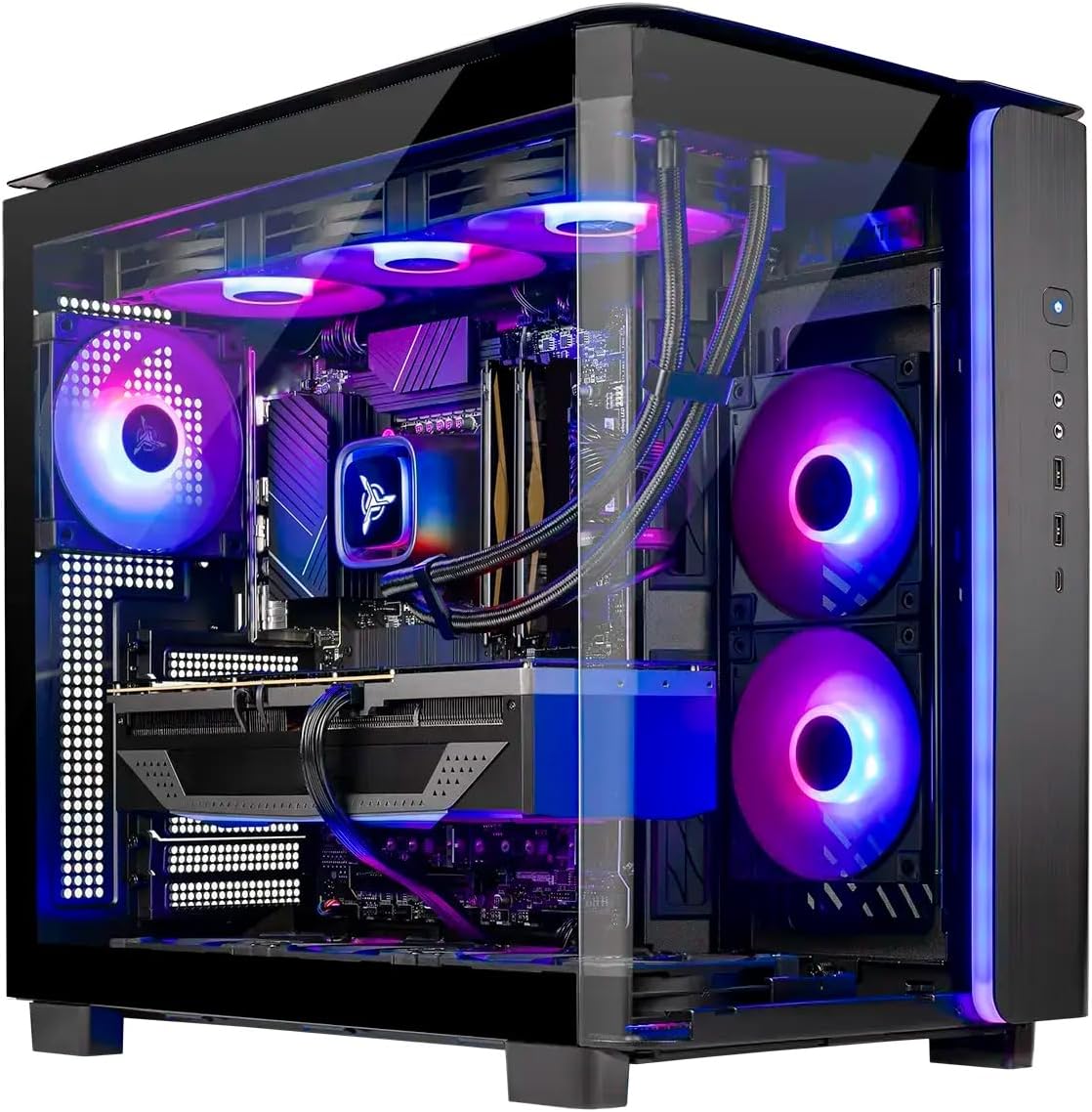
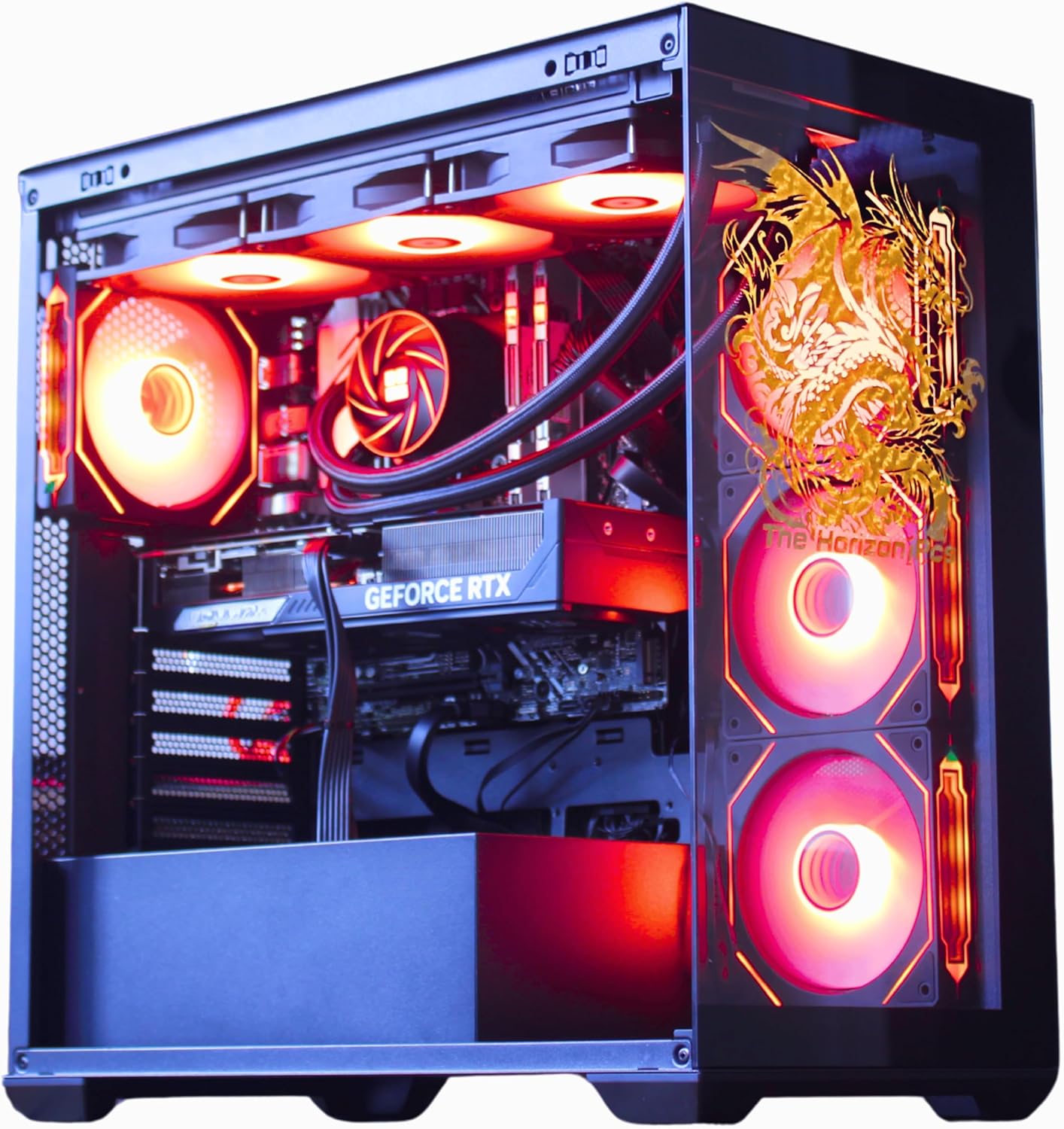
Below you will find a curated shortlist of standout high end and enthusiast-grade systems worth considering right now, followed by a practical breakdown of the features that separate a truly great machine from an expensive disappointment.






What Counts as a High End Gaming PC?
The term “high end” gets thrown around loosely, so it helps to set a clear baseline. A genuine high end gaming PC is built to run modern AAA games at high resolutions and frame rates for years without needing an upgrade. That generally means a current-generation graphics card at the upper tier, a fast multi-core processor, at least 32GB of memory, and speedy NVMe storage. Anything less and you are really looking at a mid-range system dressed up with lights.
Flagship builds push this even further. Systems like the GIGABYTE AORUS Gaming Desktop pair an RTX 5090 with a Ryzen 7 9800X3D and 64GB of DDR5, which is the kind of configuration that laughs at maxed-out settings today and will keep doing so through several game generations. If you want the absolute ceiling of performance, that is the neighborhood you are shopping in.
Start With the GPU: The Heart of Any Gaming Build
The graphics card is the single most important part of any gaming PC, full stop. It determines your resolution, your frame rate, and whether features like ray tracing are actually playable. Before you compare anything else, decide what the GPU needs to deliver.
Match the GPU to Your Monitor
There is no point buying a top-tier card to feed a basic 1080p 60Hz display, and no point buying a 4K 240Hz monitor if the GPU cannot keep up. If you are gaming at 1440p high refresh, cards in the RTX 5070 Ti to RTX 5080 range hit a sweet spot. Systems such as the Skytech Gaming King 95 and the CLX Set Gaming PC both center on an RTX 5080, which is more than enough for high-refresh 1440p and very capable 4K play.
Going for 4K and Beyond
For no-compromise 4K gaming with ray tracing turned up, the RTX 5090 in the GIGABYTE AORUS build sits at the top. If you want strong 4K performance at a more approachable price, the Panorama RTX 5080 configuration offers a lot of GPU per dollar alongside a huge memory pool. AMD fans are not left out either – the Skytech Gaming Azure 3 leans on an RX 9070XT with 16GB of VRAM, a strong option for high-resolution rasterized performance.
The CPU Still Matters More Than You Think
Gamers often obsess over the GPU and treat the processor as an afterthought, but a weak CPU can bottleneck even the strongest graphics card, especially at high frame rates and in simulation-heavy or competitive titles. For pure gaming, AMD’s X3D chips are the standout thanks to their large cache, which games love.
You will find the Ryzen 7 9800X3D and 9850X3D powering several premium builds, including the CLX Set, the Skytech Azure 3, and the Skytech King 95. If your workload mixes gaming with content creation or heavy multitasking, a high-core-count Intel chip like the 24-core Ultra 9 285K in the Panorama system, or the Core Ultra 7 in the Lenovo Legion Tower 5i, can be the smarter pick. Think honestly about what you actually do beyond gaming before you decide.
Memory and Storage: Do Not Cut Corners
How Much RAM You Really Need
For a high end machine in 2026, 32GB of DDR5 is the practical floor and it is what most balanced builds ship with. That is plenty for gaming plus a browser full of tabs and a Discord call running in the background. If you edit video, run virtual machines, or keep dozens of applications open, stepping up to 64GB – as in the Horizon Autherium Dragon – or even the 96GB in the Panorama build gives you serious headroom.
Fast, Roomy Storage
Modern games are enormous, and slow storage means long load times and stutter when assets stream in. Every system on this list uses NVMe SSDs, but capacity varies a lot. A 1TB drive fills up fast once you install a few big titles, so 2TB is a much more comfortable target. Builds like the Skytech King 95 and CLX Set come with 2TB, while the Horizon Autherium Dragon pushes all the way to 5TB for players with massive libraries.
Cooling, Power, and Build Quality
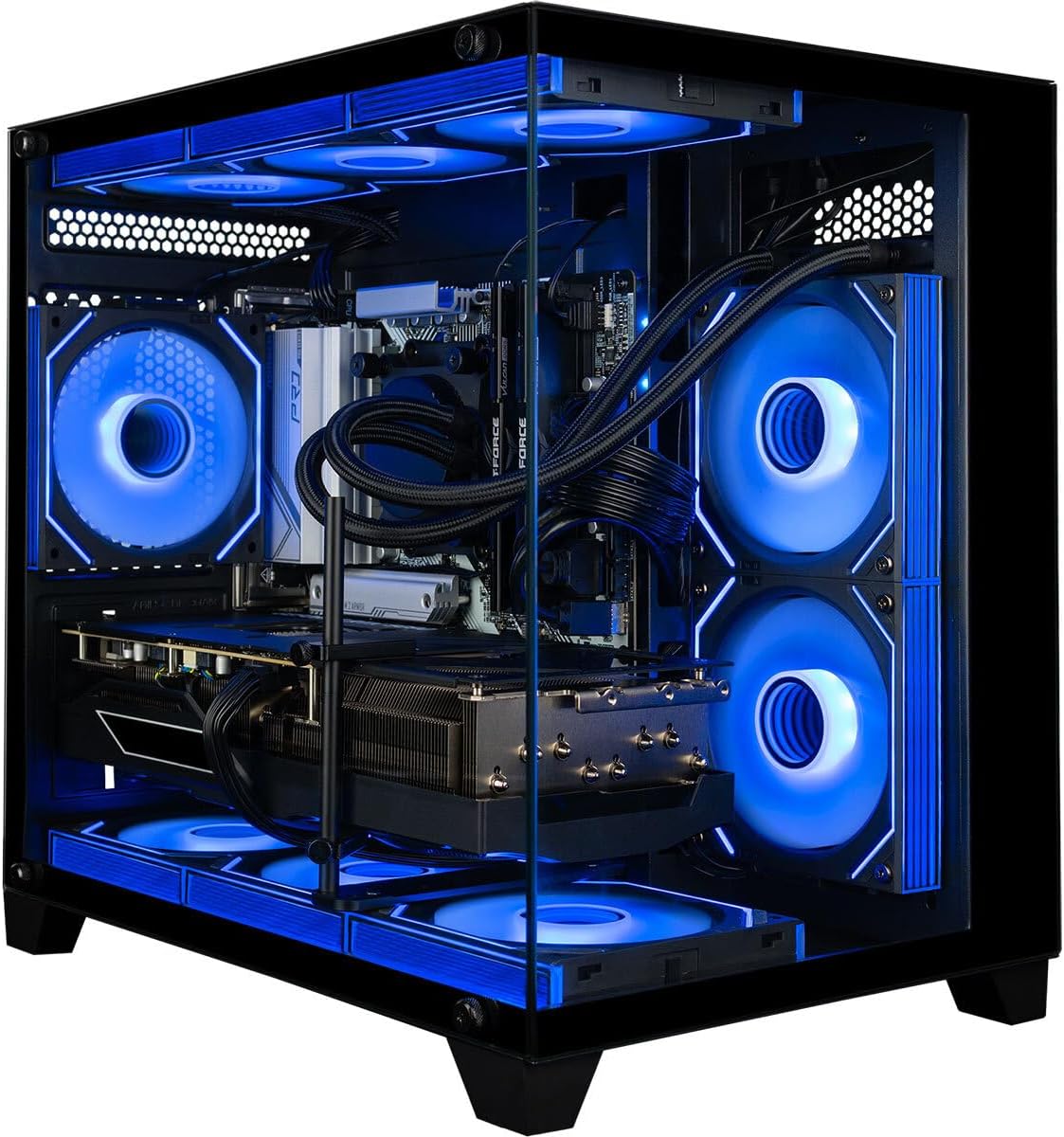
High end components generate serious heat, and sustained performance depends on getting that heat out efficiently. Look for liquid cooling on the flagship tier – a 360mm all-in-one radiator is common on premium builds and keeps both CPU temperatures and noise in check. The Skytech Azure 3, CLX Set, and Skytech O11 Vision all use 360mm AIO cooling.
The power supply matters too, and it is easy to overlook. A quality 80 Plus Gold unit with enough wattage headroom ensures stability and leaves room for future upgrades. Cheap or underpowered PSUs are a common weak point in budget builds, so it is reassuring to see Gold-rated ATX 3 units in the Skytech systems. Finally, consider the chassis: good airflow, cable management, and room to add drives or cards later all extend the useful life of your investment.
Choosing the Right Form Factor
Not everyone wants a full tower humming under the desk. If space is tight or you value a clean setup, a compact system can be appealing. The TOPGRO T1-MAX Mini packs an i9 processor and an RTX 4070-class GPU into a small footprint, which is a compelling option for a tidy battlestation or a living-room setup. Just remember that smaller cases can run warmer and are usually harder to upgrade down the line, so weigh convenience against long-term flexibility.
For most buyers chasing maximum performance and easy upgrades, a standard mid or full tower remains the better choice. It offers superior cooling, quieter operation under load, and the room to swap in a bigger GPU or extra storage a few years from now.
Balancing Performance Against Budget
Spending more does not always mean spending wisely. The trick is to buy the right amount of PC for your actual needs so you are not paying for headroom you will never touch. If you play at 1080p or entry-level 1440p and mostly enjoy esports and popular titles, a system like the CyberPowerPC Gamer Xtreme or the Skytech O11 Vision delivers excellent frame rates without draining your account.
Step up to serious 1440p and 4K ambitions and the mid-tier flagships – the Skytech King 95, CLX Set, and Lenovo Legion Tower 5i – hit the strongest balance of price and capability for most enthusiasts. Reserve the very top, like the GIGABYTE AORUS RTX 5090 machine, for those who genuinely want the best of the best and plan to keep it for many years.
Do Not Ignore Warranty and Support
A high end PC is a long-term investment, so after-sales support deserves real weight in your decision. A multi-year warranty and responsive customer service can save you significant stress if something fails. Some builders, such as the Panorama system with its 3-year warranty, make this a selling point. Prebuilt systems from established brands like Lenovo and CyberPowerPC also tend to offer solid support networks, which is worth factoring in if you would rather not troubleshoot hardware yourself.
Frequently Asked Questions
How much should I spend on a high end gaming PC?
It depends on your target resolution. Strong 1440p systems start in the low-to-mid thousands, while flagship 4K rigs with an RTX 5090 can run well over six thousand dollars. Set your resolution and refresh goals first, then buy the machine that meets them with a little room to spare.
Is a prebuilt worth it versus building my own?
For many buyers, yes. Prebuilts save time, come tested and warrantied, and often bundle Windows, cooling, and peripherals. The systems above show how much value and convenience a good prebuilt can offer, especially at the high end where mistakes are expensive.
Will these PCs stay relevant for years?
The higher-tier builds here are designed for longevity. A capable GPU, a fast X3D or high-core CPU, ample RAM, and roomy NVMe storage are the ingredients that keep a system feeling fast well into the future.
Final Thoughts
Finding the best high end gaming PC for you comes down to matching hardware to how you actually play and work. Start with the GPU and monitor pairing, make sure the CPU keeps pace, insist on enough memory and storage, and never overlook cooling, power, and warranty. Whether you go all-in on a flagship RTX 5090 tower or choose a smart 1440p powerhouse, any of the systems highlighted above can deliver years of exceptional gaming. Use the shortlist to compare specs and prices, then pick the rig that lines up with your goals – your next-level gaming experience is just a click away.