Owen Bradley
 Sooner or later every gamer, streamer, or remote worker hits the same fork in the road: buy a single gaming headset, or buy a good pair of headphones and add a separate microphone. The headset vs headphones question sounds like a matter of taste, but it has real consequences for how you sound to other people, how much desk space you surrender, how comfortable you are after three hours, and how far your money stretches. This guide compares the two approaches honestly, covering sound quality, voice clarity, convenience, upgrade paths and total cost, so you can pick the setup that actually fits your desk and your habits.
Defining the Two Setups
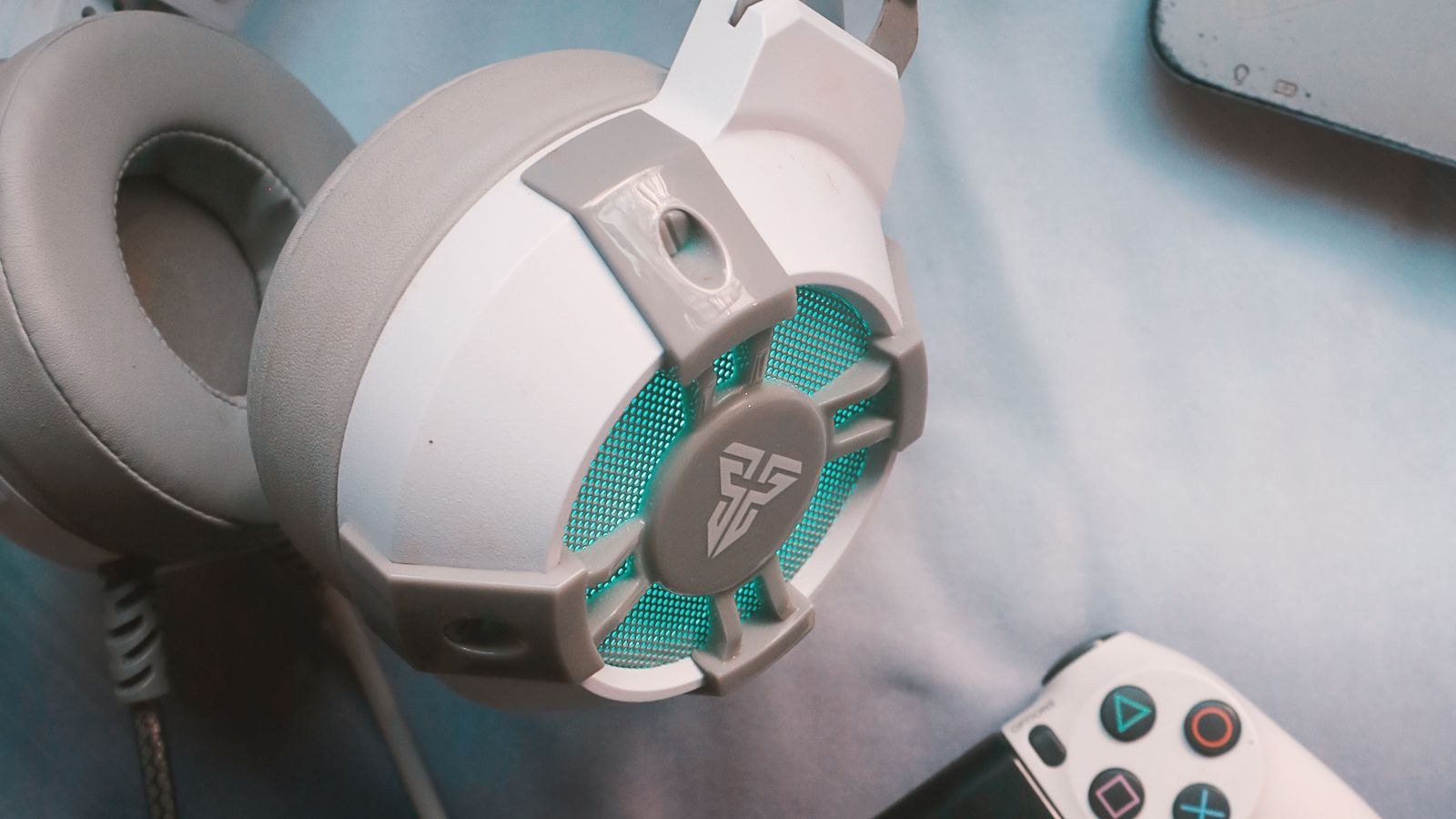
A headset is a single product: headphones with a boom microphone attached, usually with inline volume and mute controls, and often a proprietary wireless dongle or USB connection. One purchase, one cable or dongle, one thing to put on your head.
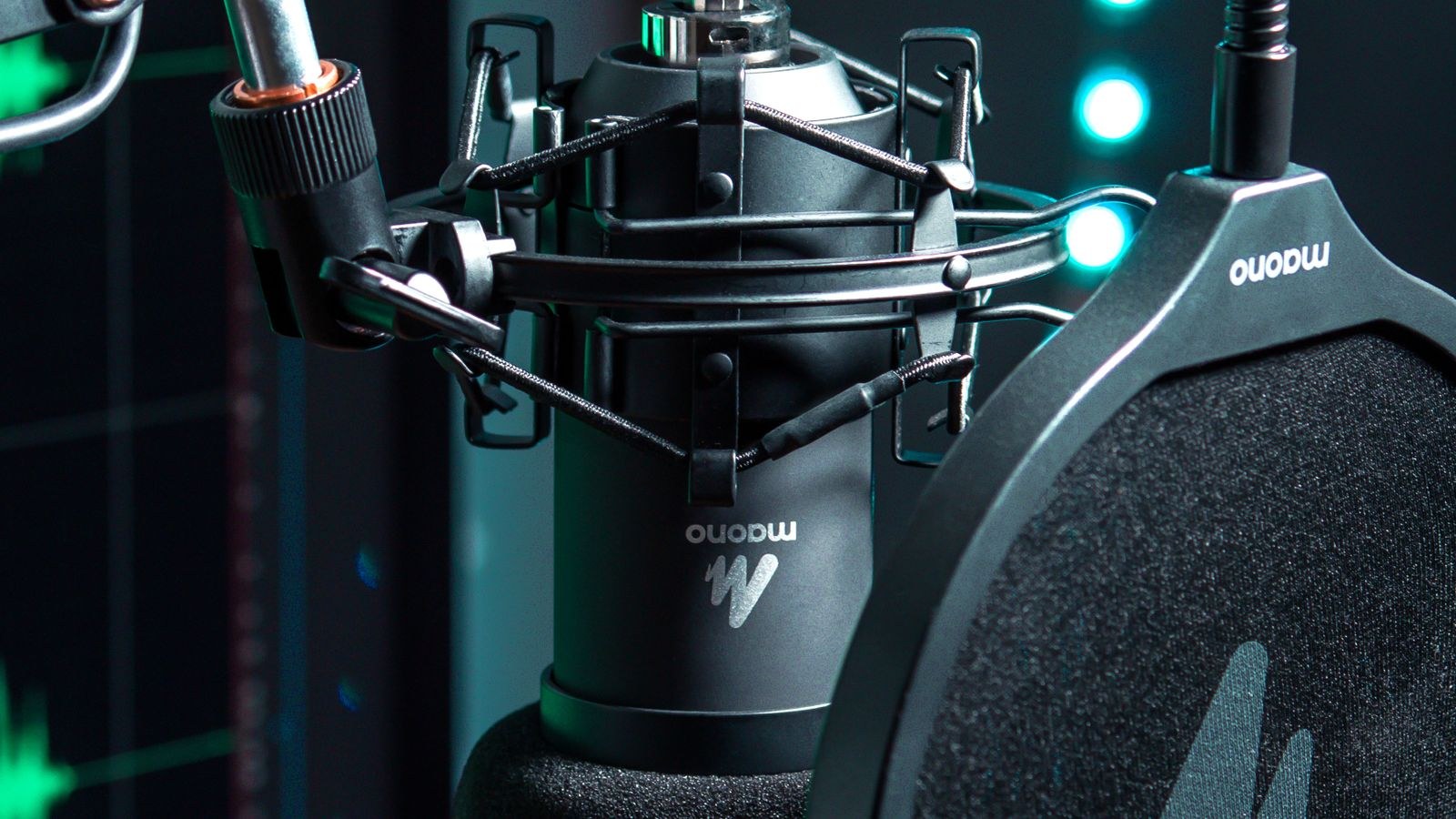
The split setup pairs a dedicated pair of headphones with a standalone microphone, either a USB model that plugs straight into your computer or an XLR mic feeding an audio interface. It also usually involves a boom arm or desk stand and, ideally, a shock mount and pop filter. Two purchases minimum, more cabling, and more desk real estate, in exchange for far better voice quality and the freedom to upgrade each half independently.
Sound Quality: What You Actually Hear
At any given price, dedicated headphones almost always sound better than a headset, and the reason is simple accounting. If you spend $150 on a headset, perhaps $110 of that goes to the drivers, chassis, and tuning, with the rest covering the microphone, controls, and wireless hardware. Spend the same $150 on headphones alone and the entire budget goes into the audio.
The gap is small at the entry level, where both categories use similar drivers, and widens sharply above roughly $120. Dedicated headphones also give you access to design choices headsets rarely offer, notably genuinely open-backed models with wide soundstages, replaceable pads, and detachable cables. If you want the airiest possible presentation for positional audio and you have a quiet room, our roundup of the best open back headsets is where the split setup really justifies itself.
That said, modern gaming headsets have closed much of the gap. Mid-range and premium models are tuned competently, with balanced mids that make footsteps and voice chat clear rather than the bloated bass of a decade ago. Nobody loses a match because they chose a headset. The difference is more noticeable listening to music than gaming.
Voice Quality: Where the Split Setup Wins Decisively
This is the single biggest reason people move to a separate microphone. A headset boom is a small capsule mounted on a thin plastic arm, engineered mainly for intelligibility on voice chat. It handles that job perfectly well, but it is physically incapable of the depth and detail a proper condenser or dynamic microphone produces.
A dedicated microphone gives you a larger capsule, a better preamp, a shock mount that rejects desk knocks, and a pop filter that tames plosives. The result is a voice that sounds present and full rather than thin and distant. It also gives you control: gain staging, polar patterns, and physical placement all become variables you can tune. For anyone recording, broadcasting, or spending hours on client calls, that difference is immediately obvious to listeners.
Headset booms do have real advantages, though, and they are worth naming. The mic stays a fixed distance from your mouth no matter how you move, which means consistent levels. It sits close enough to reject most room noise and reverb. And it never occupies a square inch of desk. Many headsets designed with communication in mind now use noise-cancelling cardioid capsules that sound clean enough for professional calls; our list of the best headsets with microphone collects models where the boom was clearly a priority rather than an afterthought.
Convenience, Desk Space and Cable Management
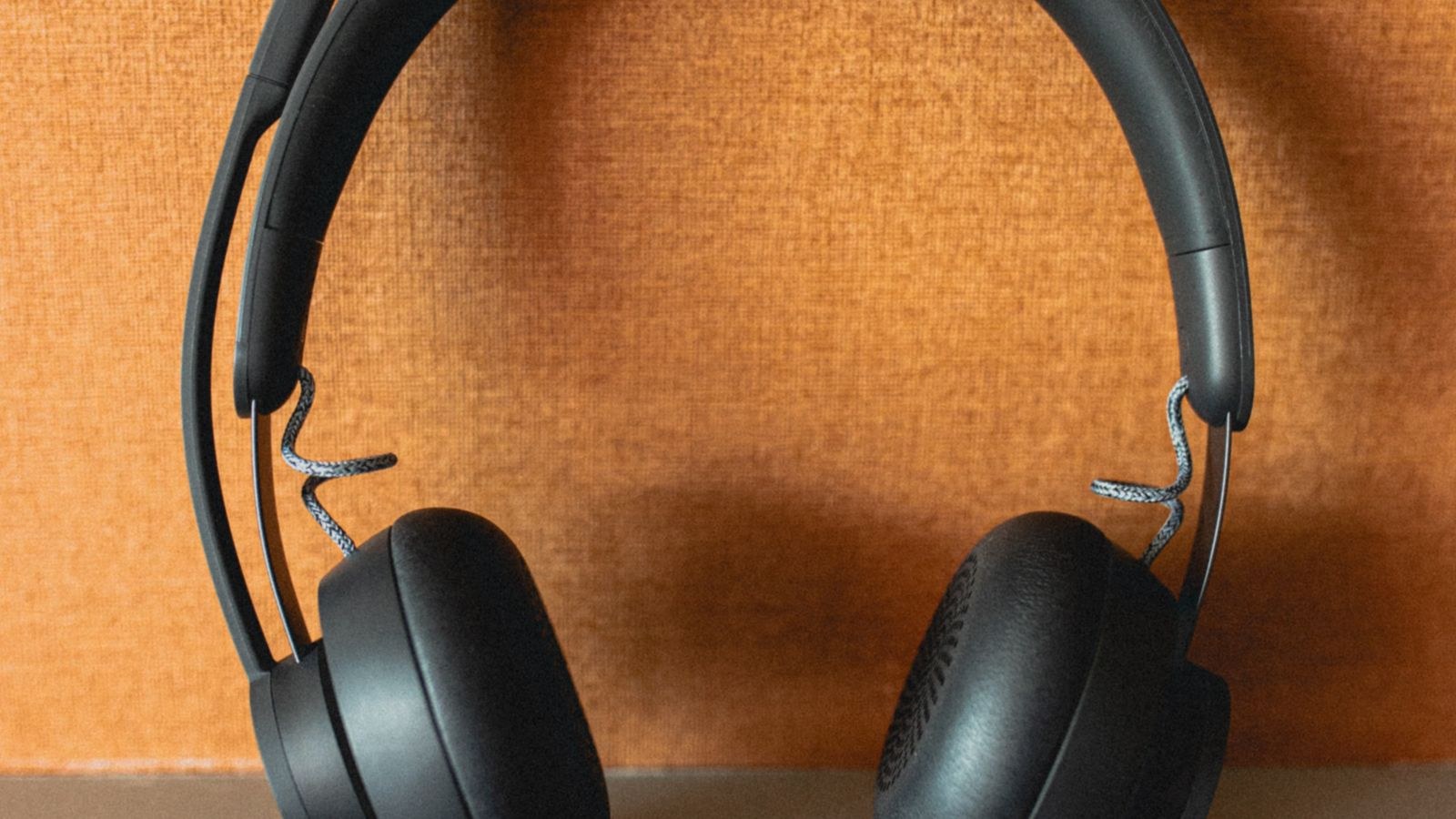
A headset is the low-friction option, and that matters more than spec sheets suggest. You pick it up, put it on, and you are audible. There is one device in your operating system’s sound settings, one mute button within reach, and no desk footprint at all. If you move between rooms, travel, or play on a console as well as a PC, this simplicity is genuinely valuable.
The split setup asks more of you. A boom arm clamps to the desk edge and swings a microphone into your working space, which can block a monitor or collide with a second screen. You need somewhere to put the headphones when not in use, ideally a stand rather than the desk surface. There are more cables, and if you use an interface, another box needs power and space. Routing audio also gets slightly more complex, since your input and output are now separate devices that software occasionally disagrees about.
None of that is difficult, but it is friction, and friction accumulates. Be honest about how tidy you keep your desk and how much you enjoy fiddling with settings before you commit.
Comfort Over Long Sessions
Comfort favours dedicated headphones slightly, mostly because they are lighter. Removing the boom arm, the extra controls, and sometimes the wireless battery drops meaningful weight from your head. Audio-focused headphones also tend to use better pad materials and more thoughtful headband suspension, since comfort is a core selling point rather than one feature among many.
Gaming headsets are not far behind, and the best of them are engineered specifically for marathon sessions with wide headbands, low clamp force, and breathable hybrid pads. The deciding factor is usually pad material and clamp, not the category. If you wear glasses, look for soft pads with a channel or a slightly lower clamp force, because rigid pads press frames into your temples. Whichever route you take, comfort deserves as much weight in your decision as sound, because you will feel it every session.
Cost: The Real Total
Headsets look cheaper because they are one line item, and often they genuinely are. A solid all-round headset in the $80 to $150 range covers game audio, voice chat, and music competently, and there is nothing else to buy. For a broad view of what each bracket offers, our guide to the best computer gaming headsets maps price tiers to features.
The split setup costs more than the two headline prices suggest, because accessories are not optional. Budget for the headphones, the microphone, a boom arm, a shock mount if the mic does not include one, and possibly a pop filter and a longer cable. A realistic entry-level split setup lands around $180 to $250 all in, and a comfortable mid-range one around $350 to $500. What you get for the extra outlay is not just quality but longevity: each half can be replaced or upgraded independently, so a failed microphone does not leave you without headphones.
The Middle Path: USB Headsets and Detachable Booms
Two hybrid options deserve mention. Many quality headphones now ship with a detachable boom microphone accessory, letting you run them as a headset for gaming and as plain headphones for music. Separately, USB headsets with well-engineered capsules and onboard processing deliver call-grade voice with a single cable, which is why they dominate corporate and support environments. If you mainly need dependable voice quality and plug-and-play simplicity across multiple computers, the best USB headsets often solve the problem without any of the split setup’s complexity.
Which Should You Choose? Match It to Your Use Case
- Casual and competitive gaming: a headset is the sensible default. Consistent mic levels, no desk clutter, and one mute button under your thumb during a firefight.
- Console gaming: a headset, almost without exception. Consoles handle single audio devices far more gracefully than split input and output.
- Streaming and content creation: the split setup. Your voice is the product, and audiences forgive poor video far more readily than poor audio.
- Remote work and heavy call use: a headset, ideally USB, unless you present or record regularly. Reliability and simplicity beat marginal quality gains.
- Music listening plus occasional chat: headphones with a detachable boom, giving proper audio quality without a permanent mic on your desk.
If you are building specifically for broadcast, the microphone should absorb the larger share of your budget, and the headphones only need to be accurate enough to monitor with. Our roundup of the best headsets for streaming covers the cases where a single device still makes sense on camera.
Mistakes People Make on Both Sides
The most common headset mistake is buying on brand image or lighting effects rather than pad comfort and microphone quality, then discovering after two weeks that the clamp gives you a headache. The second is assuming a higher price guarantees a better boom; microphone quality across headsets correlates weakly with price.
On the split side, the usual error is buying a good microphone and then placing it badly. A quality condenser two feet away in an untreated room sounds worse than a modest dynamic mic four inches from your mouth. Room acoustics and mic distance matter more than the capsule. The other frequent misstep is skipping the boom arm to save money, leaving the mic on a desk stand where every keystroke and mouse click transmits straight through the surface into your recording.
Frequently Asked Questions
Do headset microphones sound bad?
Not bad, just limited. A decent headset boom sounds clear and intelligible on voice chat and video calls, which is what it was built for. It will sound thinner and less detailed than a dedicated microphone on a recording, so the answer depends entirely on whether anyone is listening critically.
Can I use headphones and a webcam microphone instead?
You can, and it works in a pinch, but webcam microphones sit far from your mouth and pick up plenty of room reflection and keyboard noise. It is the weakest of the three options for voice quality, though perfectly adequate for informal calls.
Will a separate microphone pick up my game audio?
Only if you use open-backed headphones at high volume or speakers. With closed-back headphones the leakage is negligible. If you use an open pair for streaming, keep the volume moderate and position the mic to point away from your ears.
Is wireless possible with a split setup?
Yes. Wireless headphones pair perfectly well with a wired desk microphone, and this is a common streaming configuration. Use a low-latency 2.4GHz connection rather than standard Bluetooth, since Bluetooth latency can put your voice out of sync with what you hear.
Final Thoughts
There is no universal winner in the headset vs headphones debate, only a better fit for your circumstances. A headset delivers convenience, consistent voice levels, a clear desk, and everything you need in one purchase, which suits most gamers and remote workers extremely well. A separate pair of headphones with a dedicated microphone delivers better sound, markedly better voice, and a modular setup you can upgrade one piece at a time, which suits anyone whose audio is heard by an audience.
Start by asking who listens to you and how often. If the answer is teammates and colleagues, buy a good headset and spend the savings on comfort. If the answer is viewers, listeners, or clients, build the split setup and put the microphone first. Either way, prioritise fit and voice clarity over headline specifications, and your setup will still serve you well long past 2026.